Features
What you can do
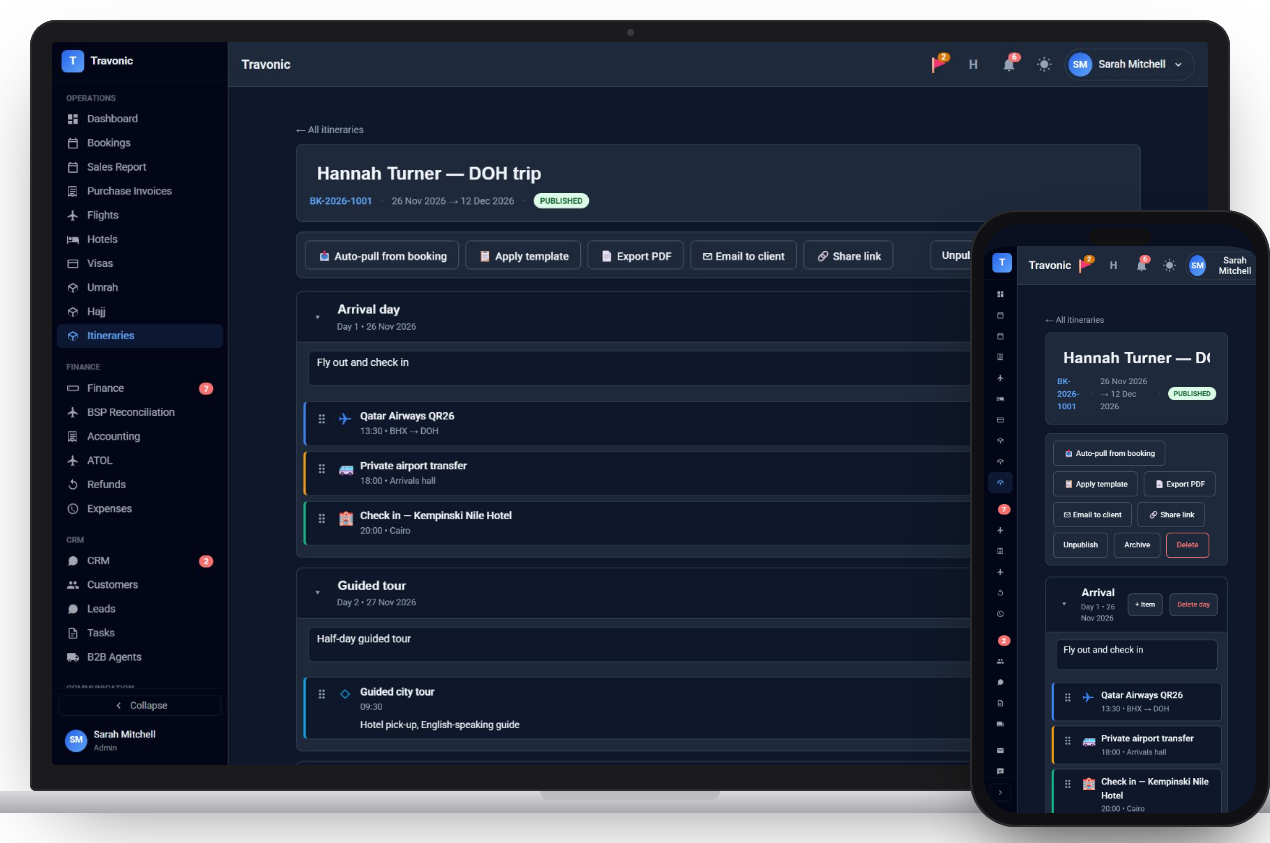
Auto-filled from the booking
Flights and hotels already on the booking drop into the right days.
Add the rest of the trip
Tours, transfers, activities and notes, each with a time and place.
Templates
Apply a template for trips you sell often and adjust from there.
PDF, email or link
Export a PDF, email it to the customer or share a public link.
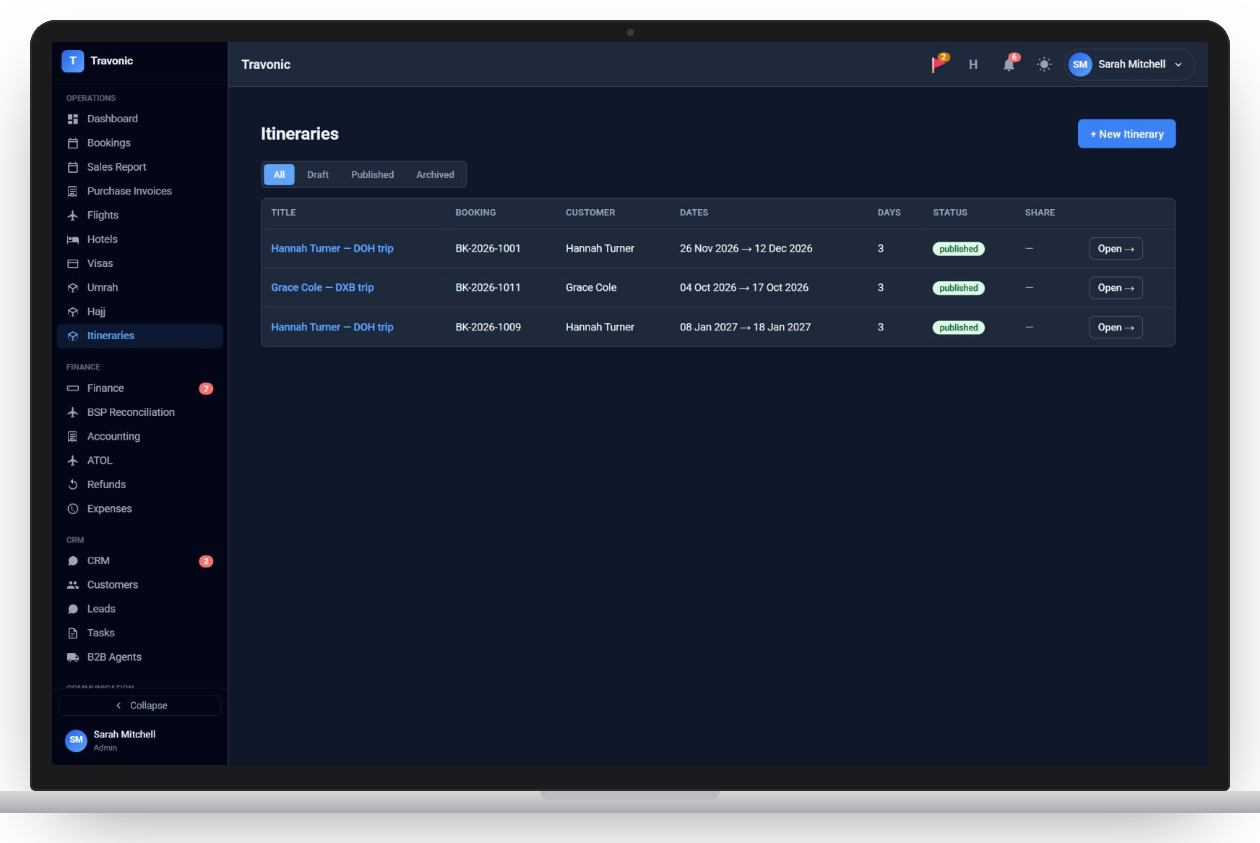
Itineraries
List of itineraries with status and dates
Shown with sample data.
How it works
Itineraries in 4 steps
- Open the booking and start an itinerary
- Pull in its flights and hotels
- Add tours, transfers and notes
- Publish and send it
FAQ
Questions agencies ask
Anything else? Book a demo and ask us directly.
Do I have to type the flights again?
No. Flights and hotels on the booking are pulled into the itinerary for you.
How does the customer receive it?
As a PDF, by email, or through a share link they can open on their phone.
Free demo
See Travonic with your own kind of bookings
A 30-minute walk-through, no obligation.
- Your flights, hotels and packages, not a generic demo
- Questions answered by people who run an agency
- Set-up help when you decide to go ahead